AMPD Makerspace
Skip to main content Skip to local navigation

AMPD Makerspace

The AMPD Makerspace is a collaborative, creative space where ideas stop being ideas and start becoming reality.

We've got a whole lineup of fabrication tools and resources ready to help you prototype, tinker, and bring your ideas to life. So don't be shy — walk on in or book an appointment. Beginner or expert, we'll be with you every step of the way.

Are You an Artist? Designer? Engineer? Or Just Curious?

This space is yours! We can't wait to see what you create, and we can't wait to help you discover the creative, techy side of you!

Makerspace Hours

The Makerspace will be open Tuesday to Friday, from 10 am to 6 pm, located at: 104B CFT

Explore Our Equipment
3D Printers
Lasercutter
CNC Table
Resin Printers icon
Resin Printers

Soldering Station icon

Soldering Station

Vinyl Cutter icon

Vinyl Cutter

Pricing

3D Printing

Using the space for studying, working with hand tools, or general tinkering? Totally free! But if you need to use machines, here’s what to expect:

Personal Projects

  • $2 flat fee for each machine for personal projects.
  • Want us to handle a 3D print for you? $12 + material cost.
  • Bringing your own filament or material? Great! That can help lower costs.
MaterialCost
PLA, PETG, TPU$0.05/g
ABS, Glow PLA, Silk PLA$0.07/g 
Colour changing filament, Glitter filament, Specialty filament$0.09/g
SLA Resin$0.10/g
Specialty resin$0.25/g
  • Only the raw material costs associated with any fees incurred for class or research projects.
  • If you need us to operate the machines for you (e.g., printing or cutting), there’s an additional $10 fee.

Lasercutting + CNC

  • Flat rate: $12 per session (bring your own material).
  • $2 flat fee for machine use
  • $10 Full cutting service/in-depth assistance by staff
  • Staff may have scrap material for testing, but we do not provide materials for full projects.

Please note: The room can only be used for digital media projects or fabrication projects with items that have been created within our space.

Book Our 3D Printers Today

Visit us and participate in a manufacturing process that allows you to create functional prototypes, spare parts, cosplay props, art pieces, and many other items and projects. To learn more about 3D printers, refer to the Q&A below.
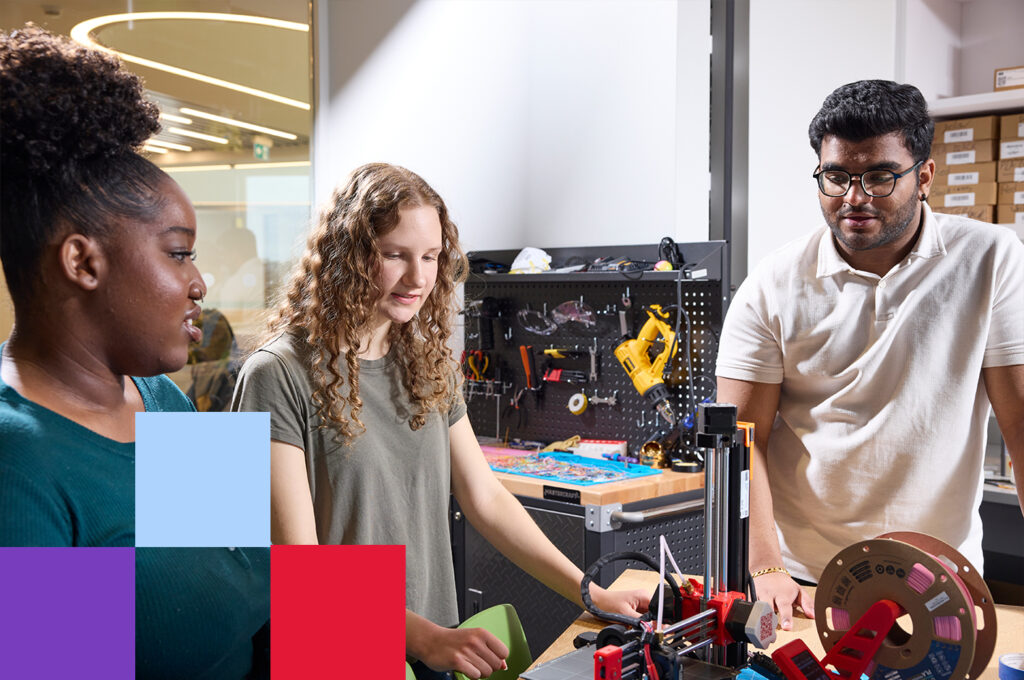
Three York University students collaborating on a 3D printing project at the AMPD Makerspace, gaining hands-on experience with digital fabrication and prototyping technology.
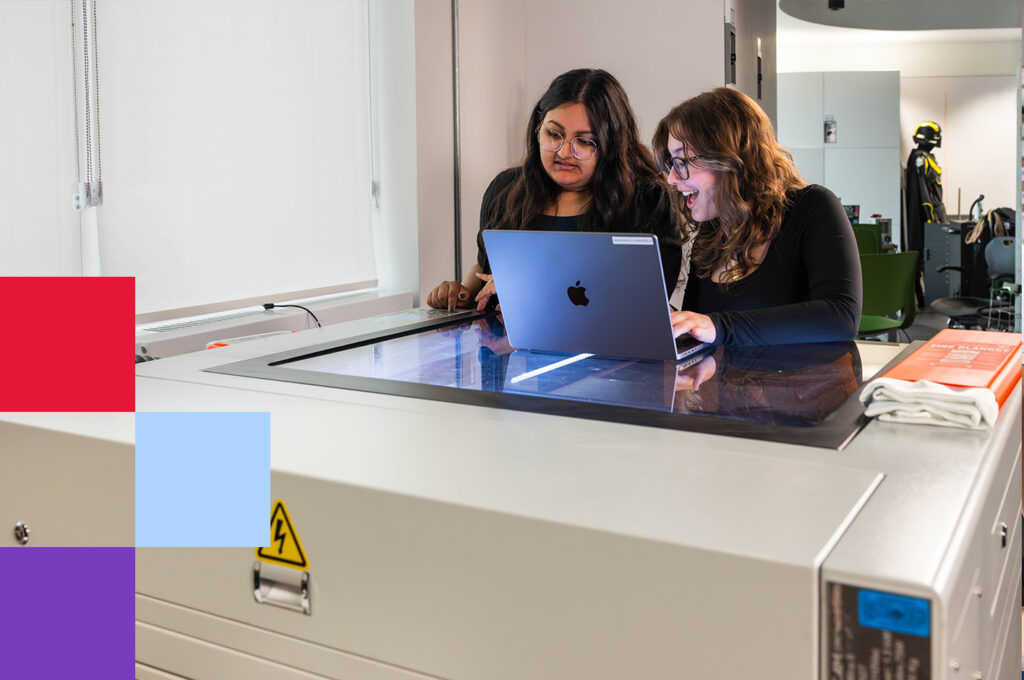
Two York University students using a laptop to work on a laser cutting machine at the AMPD Makerspace, exploring digital fabrication and creative design.

Lasercutter

From trinkets to prototypes, boxes to jewelry — if you can design it, our laser cutter can make it.

Engrave, cut, or score acrylic, wood, and other organic materials with precision. Just upload your SVG file and watch your idea take shape. So click the Book a Lasercutter button to get started.

To learn more about lasercutting at the AMPD Makerspace refer to the FAQs below.

FAQs

FDM 3D printing, or Fused Deposition Modeling, is a popular and accessible method for creating three-dimensional objects from a digital file. This process works by slicing the 3D design into thin layers and then sequentially extruding melted filament to build up the final product layer by layer.

Unlike subtractive manufacturing methods like CNC machining or laser cutting, which remove material from a solid block, FDM is an additive manufacturing process, meaning it builds objects by adding material. This allows for highly complex and intricate designs that would be difficult or impossible to achieve through traditional methods.

FDM excels in a variety of applications, including:

  • functional prototypes
  • spare parts
  • cosplay props
  • art pieces
  • customized tools
  • decorative models
  • and even some furniture pieces

It is widely used for rapid prototyping due to its affordability, ease of use, and accessibility. While FDM may not produce the ultra-fine details of SLA resin printing, it strikes a balance between cost, versatility, and efficiency. The possibilities are endless With 3D Printing. If you can design it (or find a design online), you can likely print it!

Not at all! While knowing how to design 3D models (using software like Fusion 360, Tinkercad, or Blender) is helpful, there are thousands of free pre-made designs available on websites like Thingiverse, Thangs, or Printables. You can send these in and get them printed just the same.

Printing time depends on the size and complexity of your object. Small prints can take 30 minutes, while larger or more detailed prints can take several hours or even days.

Costs vary depending on the material used and the amount of filament required. In the Maker Space, we charge based on material weight, making it very affordable for students—usually just a few dollars per print.

Almost! We encourage creativity, but there are a few guidelines: - Prints must comply with university policies (no weapons, offensive content, etc.). - Large prints may require approval to ensure fair access for all students—academic uses of the printers are given priority. - Our maximum print size is 250 x 210 x 210 mm (9.84 x 8.26 x 8.26 in). If your object is larger, you may need to separate it into parts and assemble it afterward.

Send or bring an STL file (preferred, but we can accept other formats) along with a brief description of what the object is, its intended use, and its height.

Absolutely! We provide assistance with design advice, slicing settings, and troubleshooting issues. Don’t hesitate to ask—we love seeing students bring their ideas to life!

A laser cutter/engraver uses a high-powered laser to cut through materials or engrave designs onto surfaces. It’s a versatile tool capable of everything from delicate engravings to cutting thick materials like wood and acrylic.

The possibilities are endless! Here are some common uses:

  • Cutting: Create precise shapes from wood, acrylic, cardboard, or fabric.
  • Engraving: Add detailed designs, text, or images to wood, glass, leather, anodized metal, and more.
  • Projects: Custom signs, jewelry, stencils, puzzles, phone cases—the list goes on!

Approved Materials:

  • Wood, acrylic, cardboard, paper, fabric, leather, glass, and most organic materials.

Dangerous Materials:

  • PVC, vinyl, polycarbonate, or any material containing chlorine (these release toxic fumes when lasered).
  • If you're unsure about a material, ask staff before cutting!

Not necessarily! You can create your own designs using software like Adobe Illustrator, CorelDRAW, or Inkscape, or download free/paid designs from sites like Thingiverse or Etsy.

  • Cutting: Vector files (.SVG, .AI, .DXF) with no fill and a black stroke set to 0.001 pt.
  • Engraving: Both vector and raster images work, but black-and-white images are required. The laser adjusts power based on darkness—solid black = full power, white = no power.
  • This means that higher contrast images will appear the clearest
  1. Create or find a design – If you’re using a downloaded file, it may need slight adjustments.
  2. Prepare your file – Ensure it meets the formatting requirements for cutting or engraving.
  3. Bring your file and material to the Makerspace – If you're unsure, ask for help!
  • Flat rate: $12 per session (bring your own material).
  • $2 flat fee for machine use
  • $10 Full cutting service/in-depth assistance by staff
  • Staff may have scrap material for testing, but we do not provide materials for full projects.

Absolutely! We’re happy to help with design advice, file preparation, and troubleshooting. Just ask!